



Aldi Shopping Mistakes to Avoid With Curbside Pickup
Pickup at Aldi costs $1.99. Walk in yourself and it costs nothing. The Aldi shopping mistakes that erode real savings aren't the obvious ones they're the quiet decisions that inflate the effective cost of an order before you've even left the driveway.
Aldi's pickup service runs through Instacart. The $1.99 fee is real, but so is the disclosure on Instacart's checkout screen: app prices may be higher than in-store shelf prices to cover personal shopping costs, per Fioney's review. That means a pickup fee plus a potential per-item premium, neither of which you pay walking in yourself.
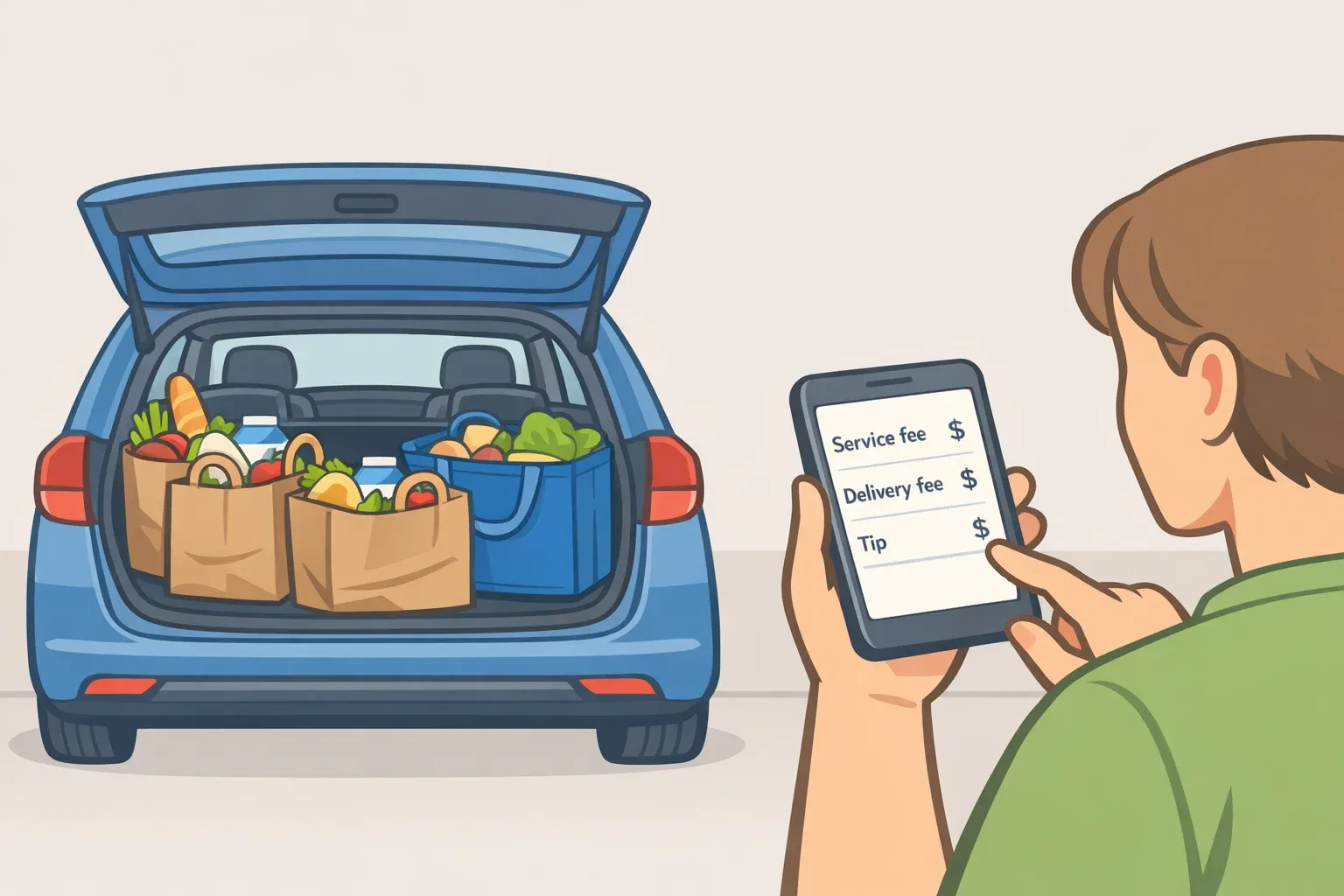
Against delivery, pickup wins by a wide margin. Aldi delivery through Instacart typically runs $4.49 in delivery fees, roughly $3 in service charges, and a $10 to $15 tip. Pickup: $1.99, with no tip option in the app and no tip accepted from Aldi associates, according to the same Fioney review. When delivery is the real comparison, pickup is a genuinely good tool for saving money at Aldi.
This guide covers four mistakes that quietly undercut those savings and the order-building decisions that prevent them.
Before you start: Instacart account setup is free, per Fioney. You'll need a participating Aldi location nearby. Fee structures and pricing examples draw from documented 2025 order data and Instacart's disclosed terms. Amounts may vary by location.
Common Aldi shopping mistakes that start before you place the order
Mistake 1: Placing small orders without watching the fee threshold
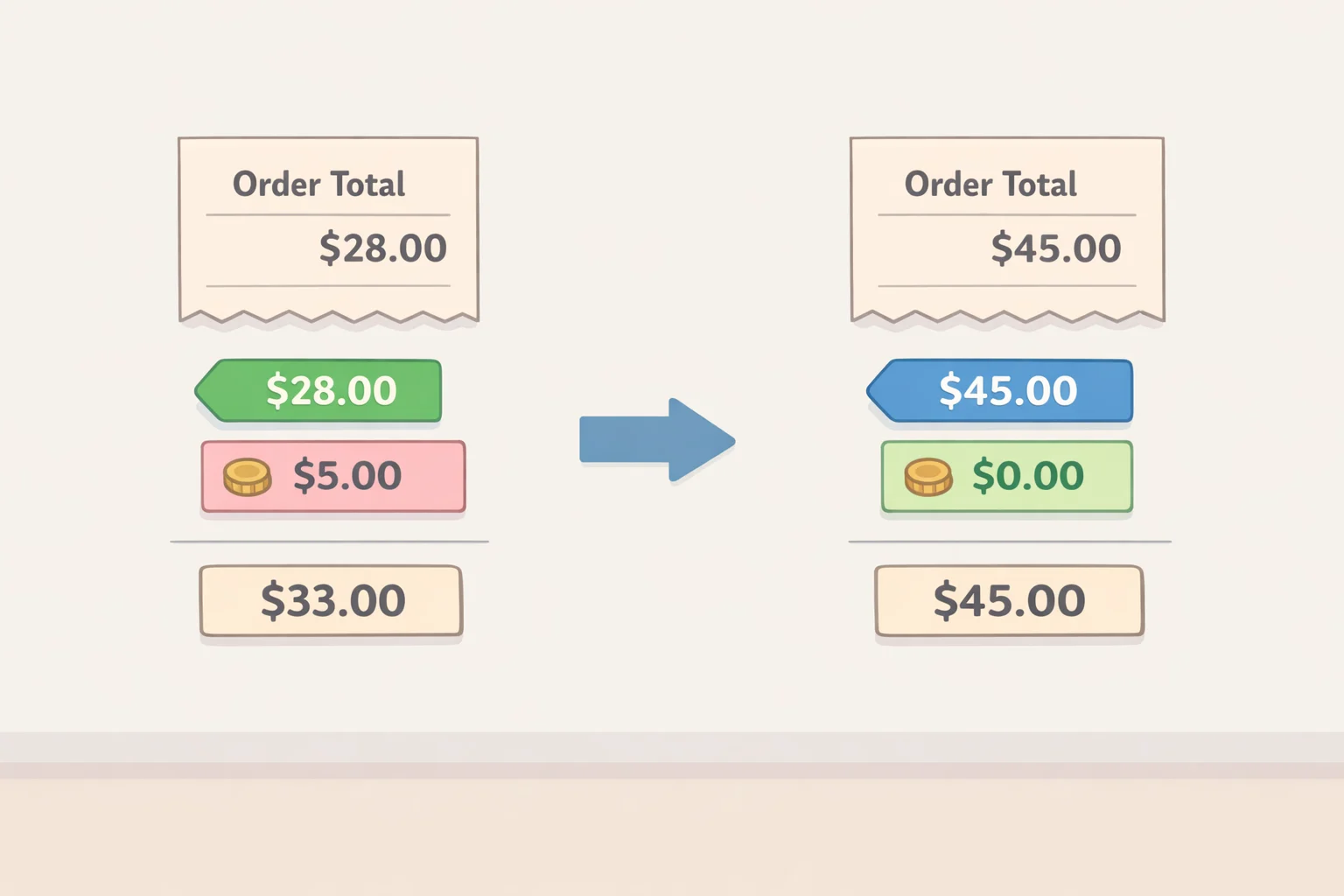
The most avoidable cost error in Aldi pickup is ignoring the $35 order threshold.
Orders under $35 may be charged $3.99 for pickup, exactly double the standard $1.99 fee, per Fioney. That's easy to trigger at Aldi, where individual items are cheap and a quick top-up run of six or eight things can fall short without you noticing. Item-level markups compound this: the checkout screen warns that app prices may exceed in-store shelf prices to cover personal shopping costs. Exact differences aren't published. For things you buy regularly, a quick mental comparison to your last in-store receipt takes thirty seconds and can catch a real gap.
Decision rule: Build pickup orders around planned restocks, not one-off runs. If your natural cart lands at $25, fill it out with pantry staples you'll buy anyway canned goods, frozen basics, paper products before confirming. One documented two-week grocery restock came out to roughly $2 in pickup fees, per Fioney. That's the scale where this service earns its keep.
A smart cart versus a bad one:
- Smart: $50 in pantry staples, dairy, and frozen goods. Predictably stocked, no limited-run items, fee $1.99.
- Bad: $22 in snacks and one Aldi Find. Fee $3.99, the Find is likely out of stock, and the per-dollar overhead is now worse than just going in.
On Instacart+: the $9.99/month membership waives the pickup fee on qualifying orders over $35, but you'd need at least five such orders per month just to break even, per Fioney. Skip the subscription unless you use Instacart across multiple stores regularly. New accounts get a two-week free trial use it to measure actual usage before committing.
Mistake 2: Ordering Aldi Finds and volatile stock through the app
Aldi Finds are the chain's most talked-about category. They're also a poor fit for pickup, and the reason isn't bad luck it's how inventory data works against you.
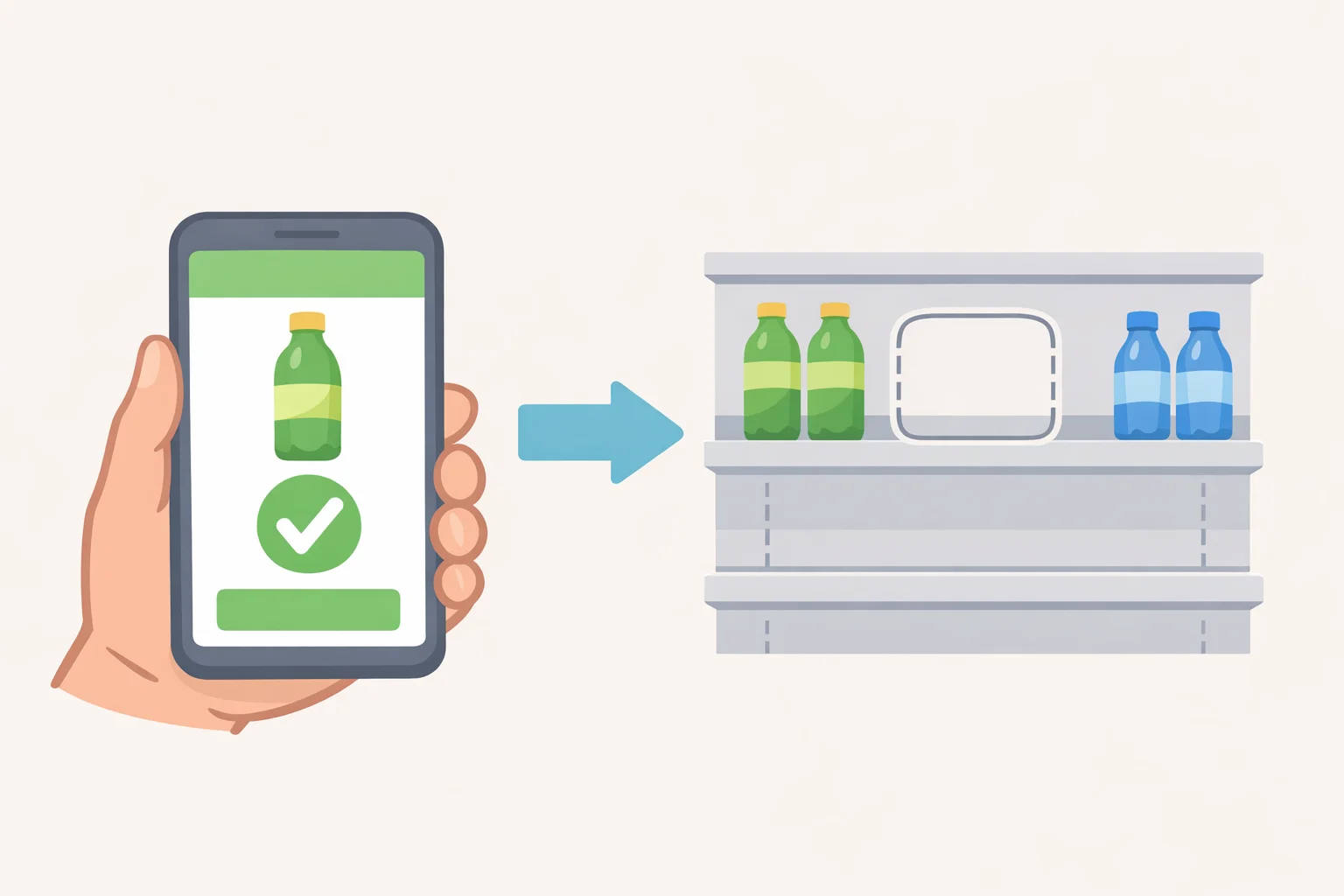
Aldi Finds are time-limited, high-demand, and stocked in small quantities per location. The Instacart app reflects that inventory imperfectly. Items that show as available at checkout are sometimes gone by the time a picker pulls the order, per Fioney. In one documented case, a shopper received a mid-order out-of-stock notification on a Find they'd been looking forward to then walked into the store after pickup and found it physically on the shelf. The app and the shelf weren't telling the same story, as Fioney's review described. For any high-turnover, time-sensitive item, app availability is an estimate.
There's also a fee consequence if an out-of-stock removal drops your subtotal below $35. Your order may get bumped to the $3.99 tier with no warning before it happens.
Fresh produce and proteins carry a different problem. Pickup gives you no ability to inspect before it's in your car ripeness, cut quality, sell-by date. For anything where condition matters, being in the store isn't optional; it's how you get what you actually came for.
Decision rule: Reserve pickup for predictable, reliably stocked items: shelf-stable pantry goods, dairy, frozen staples, paper and cleaning products. Use the store for Aldi Finds, seasonal specials, produce, and anything fresh. Pickup handles replenishment. The store is where you browse and discover.
If a specific Aldi Find is the goal, don't order through the app and hope. Go in person early in the week, when new stock has just hit the floor. That's the only approach with a realistic success rate.
Mistake 3: Assuming substitutions will save a troubled order
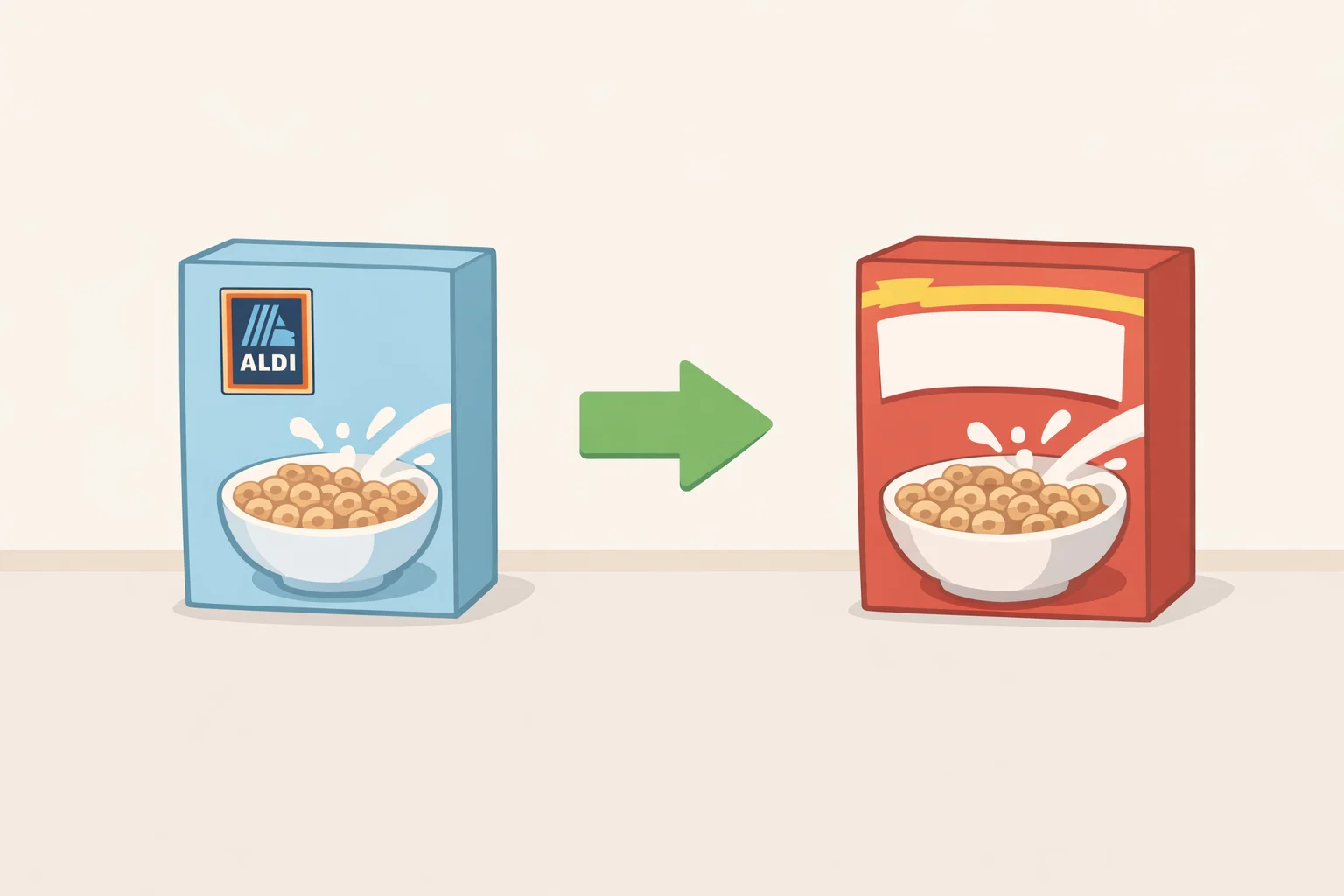
When a pickup item is unavailable, Instacart may offer a substitution. This is where shoppers run into something subtler than an empty slot.
The picker selects the replacement from within whatever preferences you've set in the app. The swap may be a different brand, a different size, or a loosely related product in the same category. At a conventional grocery store, that's a mild nuisance. At Aldi, where private-label products are a central reason to shop there, a substitution can mean getting a pricier national brand equivalent instead of the Aldi house version the exact outcome most Aldi shoppers are trying to avoid. Aldi's narrow SKU selection makes this worse: there often isn't a close in-store analog, so the replacement can be a real mismatch.
The problem is sharpest for items where the Aldi version is specifically what you wanted. An out-of-stock on a national brand at a conventional store is a minor inconvenience. An out-of-stock on the Aldi product you came for, replaced with something you wouldn't have chosen, is a different outcome entirely.
Decision rule: Before confirming any order, scan your cart for items where only the Aldi version will do. Pull those from the pickup order and buy them in store instead, or set your substitution preferences manually in the app. Any Aldi Find or seasonal item should be treated as a candidate for in-store purchase regardless of what the app shows. One non-substitutable item going sideways is annoying. Several on the same order and you've got a meaningfully worse shop than you planned.
Mistake 4: Treating pickup as a same-day, on-demand option
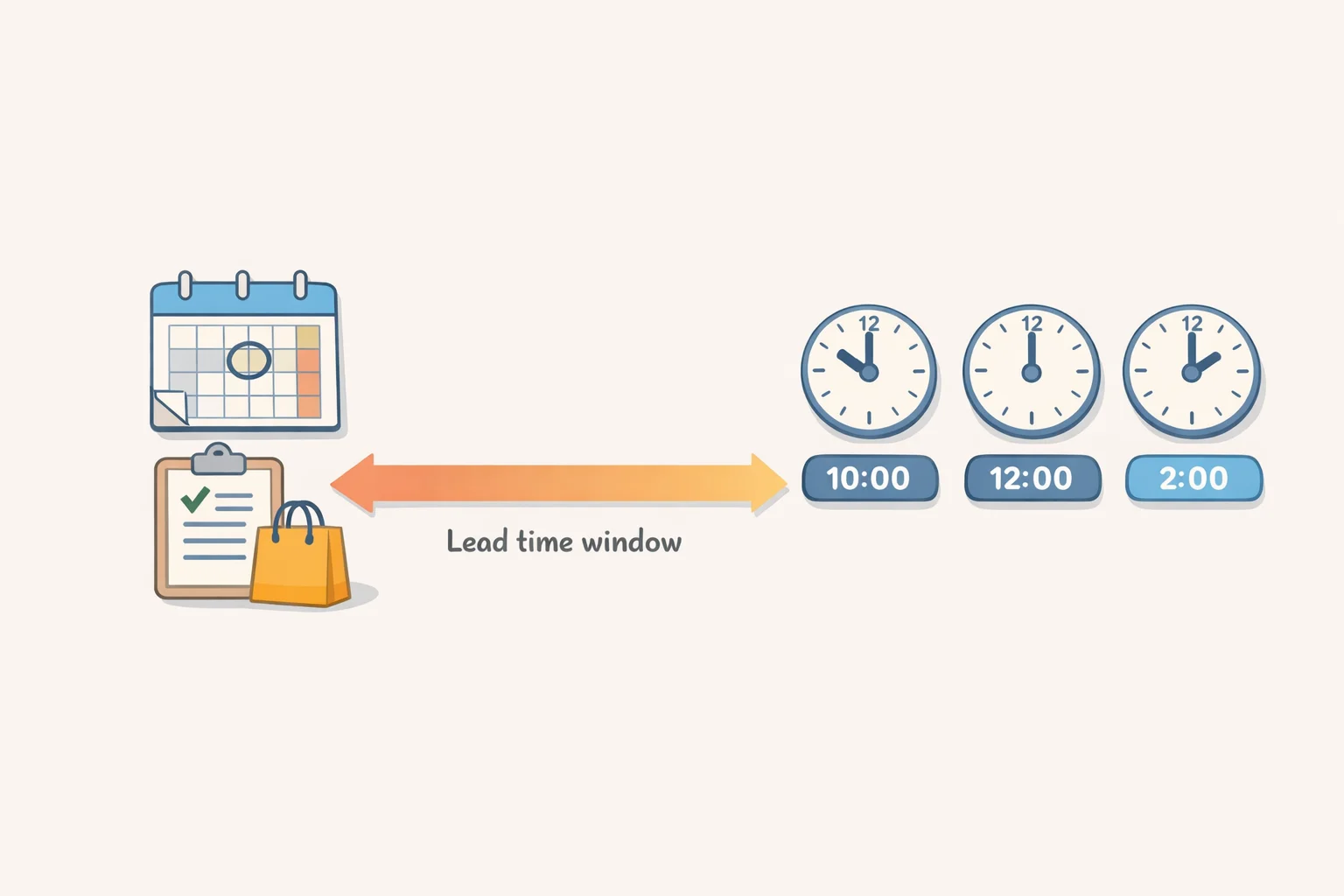
Pickup has a lead time. Treating it like an instant service means showing up before your order is ready, or discovering no slots are available when you need them.
After selecting items, you choose from available time windows. The first available slot typically runs about two hours from order placement, though orders may be ready earlier, per Fioney's firsthand account. Once assembled, your order is held in a temperature-controlled area until you arrive, so quality isn't at risk. The bottleneck is scheduling, not fulfillment.
Shoppers who treat pickup as reactive opening the app when they realize they're out of something that afternoon are using a scheduled service as though it were instant. Two hours stops being a known variable and starts feeling like a delay.
Decision rule: Treat Aldi pickup as a planned errand. Place the order the morning of your intended pickup day, or the evening before. For regular grocery restocking, build it into a weekly rhythm: order in the morning, pick up in the afternoon. Once the timing is predictable, the lead time is just part of the plan.
On arrival: pickup spots are clearly marked and designated, per Fioney. Notify the store through the app or whichever method your location specifies. Documented wait times after arriving run about two minutes. The handoff itself is fast; the planning before it is where most shoppers lose time.
Aldi shopping tips: what to use pickup for and what to skip
Every mistake above traces to the same root: using pickup for the wrong type of order. The fee structure, the inventory gaps, the substitution risk, the lead time all of it is manageable when the order is built correctly.
Use pickup for:
- Planned restocks of $35 or more
- Shelf-stable pantry goods, frozen staples, dairy, and household basics
- Items that are reliably in stock and don't require inspection
At $1.99 with no tip required, a qualifying pickup order sidesteps the delivery fee, service charges, and tip that make Aldi delivery the most expensive option by a significant margin, per Fioney.
Go in-store for:
- Aldi Finds and seasonal specials
- Fresh produce and proteins
- Small top-up trips under $35
- Anything where the Aldi-specific version is non-negotiable
Use delivery only when you genuinely cannot pick up the order yourself.
Before confirming any pickup order, it's worth running through a few quick checks: Does this order clear $35? Are these items reliably in stock? Am I comfortable with substitutions on everything here? Did I place this far enough ahead? When the answers are all yes, pickup works the way it's supposed to and the $1.99 fee is about as good as grocery convenience gets.







Comments
Be the first, drop a comment!